Stealth mode + invisible HUD
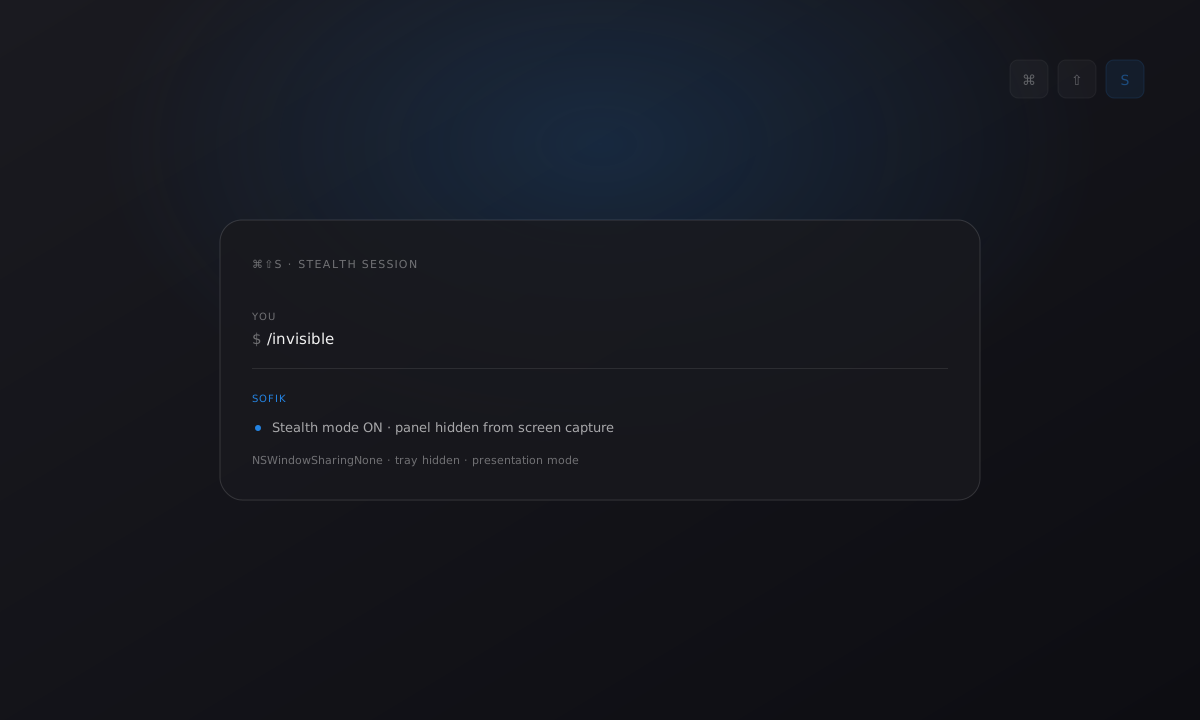
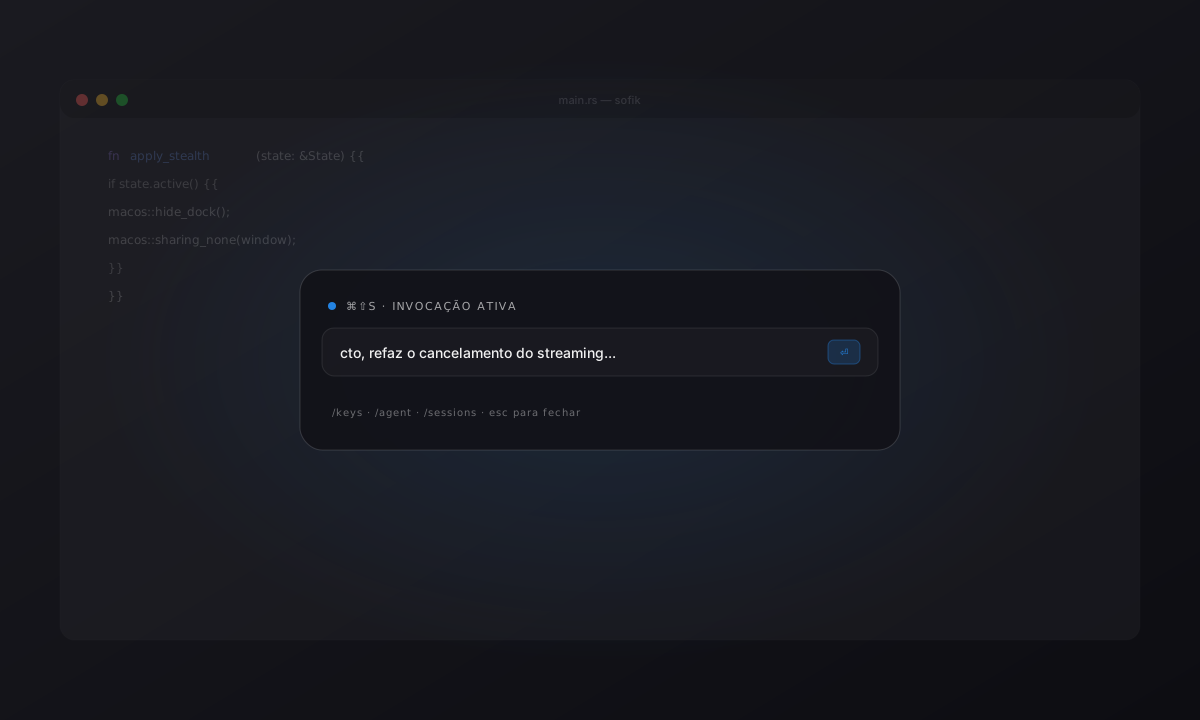
We added the /invisible slash command to the HUD to flip a stealth
mode: the panel disappears from screen-capture tools, the tray hides,
and on macOS the Dock and menu bar are hidden while the panel has focus.
Under the hood: NSWindowSharingNone on macOS,
SetWindowDisplayAffinity on Windows. State persists to stealth.json
across restarts.
Useful when you don’t want the HUD to show in a presentation or screenshare but you still want to use the shortcut. No visual indicator in the HUD — on purpose. Those who need it know it’s on.
/invisible # toggle on/offImprovements
- Stealth state persisted to
stealth.jsonacross app restarts - Native macOS screen-capture opt-out via
NSWindowSharingNone - Equivalent Windows support via
SetWindowDisplayAffinity - Tray and Dock auto-hidden while the panel has focus on macOS
- Slash command parser extended with
/invisible(with tests)